
Attending Events
Buying Tickets on Rally
From discovery to QR code in about a minute.
Step by Step
- 1.Find your event — browse Discover, the map, or a host's page
- 2.Pick your tickets — choose a tier (GA, VIP, Early Bird…) and quantity
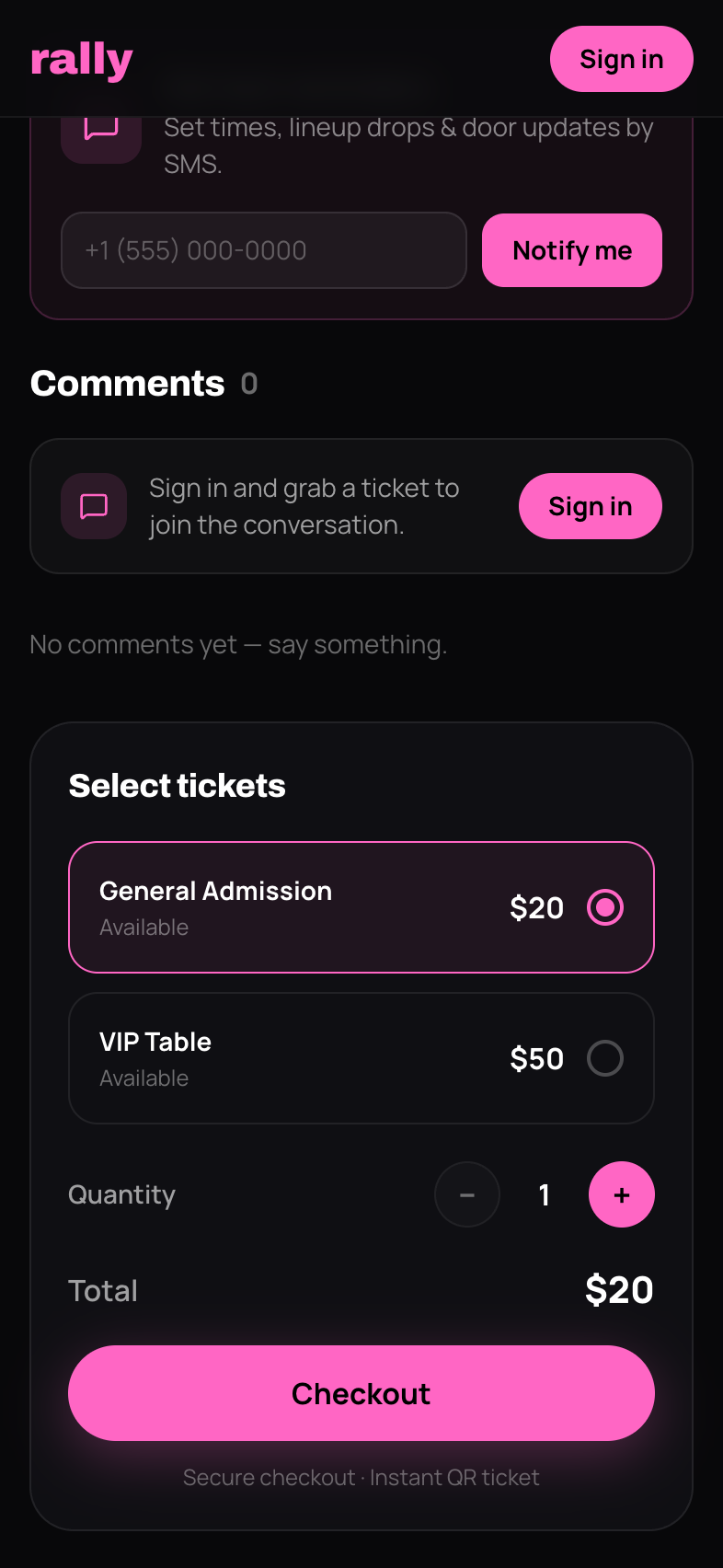
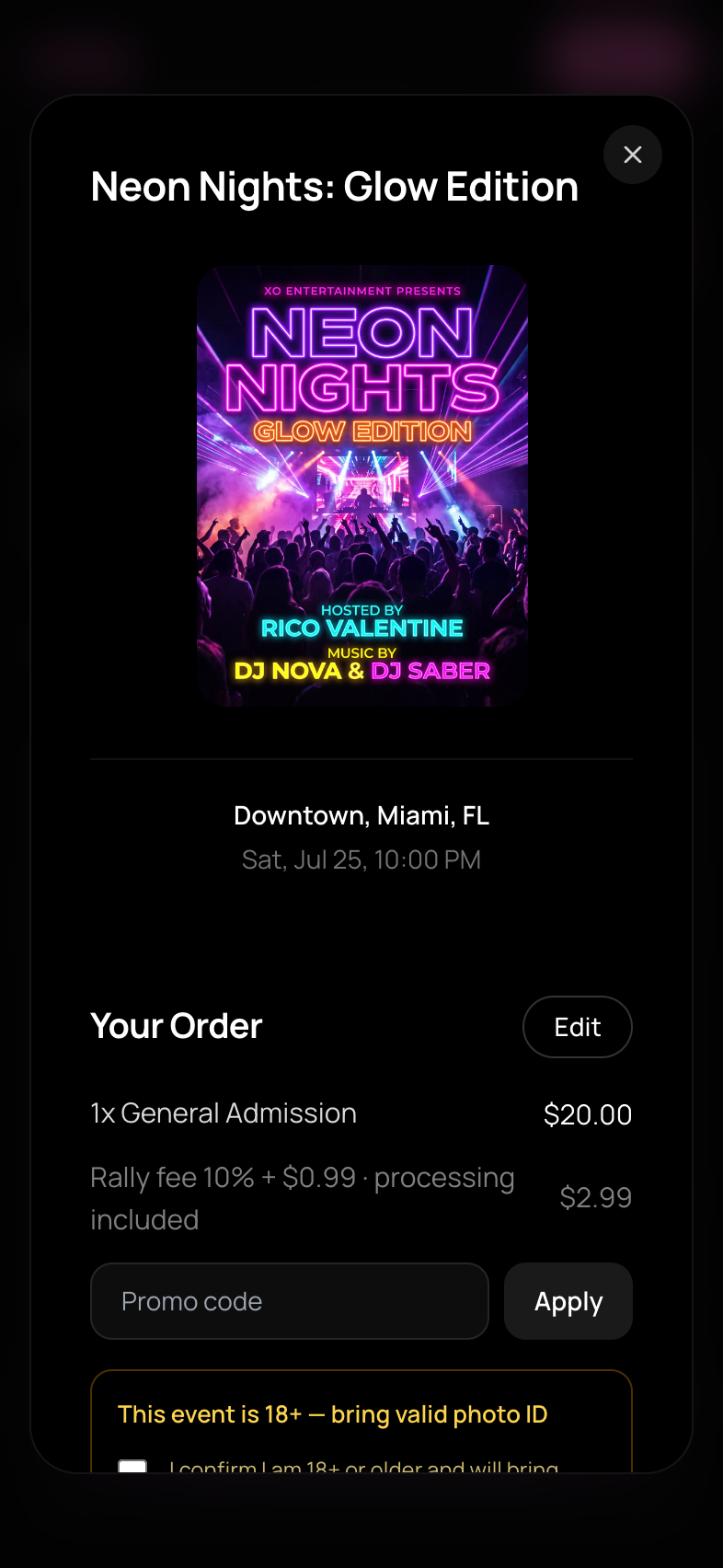
- 1.Review your order — you'll see the ticket price and the service fee as separate line items before paying. No surprises: the total you see is the total you pay
- 1.Pay — card, Apple Pay, Google Pay, Cash App Pay, or Link
- 2.Done — your tickets appear instantly in My Tickets, and a confirmation lands in your email
About the Service Fee
The service fee (10% + $0.99 per ticket) keeps Rally running. It's always shown before you commit, and it's non-refundable — even if the ticket price is later refunded.
Discount & Reward Codes
Have a promo code or a reward code (they look like RW-XXXXXXXX)? Enter it at checkout — the discount applies before you pay. Free-ticket perks make the order genuinely $0.
Check the Refund Policy First
Every event shows its refund policy (standard, no refunds, or custom) on the event page before checkout. Know what you're agreeing to — some events are all-sales-final.
After Purchase
- •Tickets live in My Tickets with one QR code each
- •Add them to Apple Wallet / Google Wallet for event day
- •Need to send one to a friend? Use Transfer — don't forward emails
purchasebuycheckouttickets