
Discounts & Rewards Setup
Two different tools, one goal — selling more tickets. Discounts are codes anyone can use at checkout. Rewards are a loyalty program your attendees earn into.
Part 1: Discount Codes
Create codes from your org dashboard under Discounts.
Creating a Code
- 1.Open your organization dashboard → Discounts
- 2.Hit Create
- 3.Choose the type:
- •Percentage — e.g. 20% off the ticket price
- •Fixed amount — e.g. $10 off
- •Group discount — rewards bigger orders (e.g. buy 4+, save)
- 1.Set the code word, the value, and any limits
- 2.Save — the code works at checkout immediately
How Attendees Use It
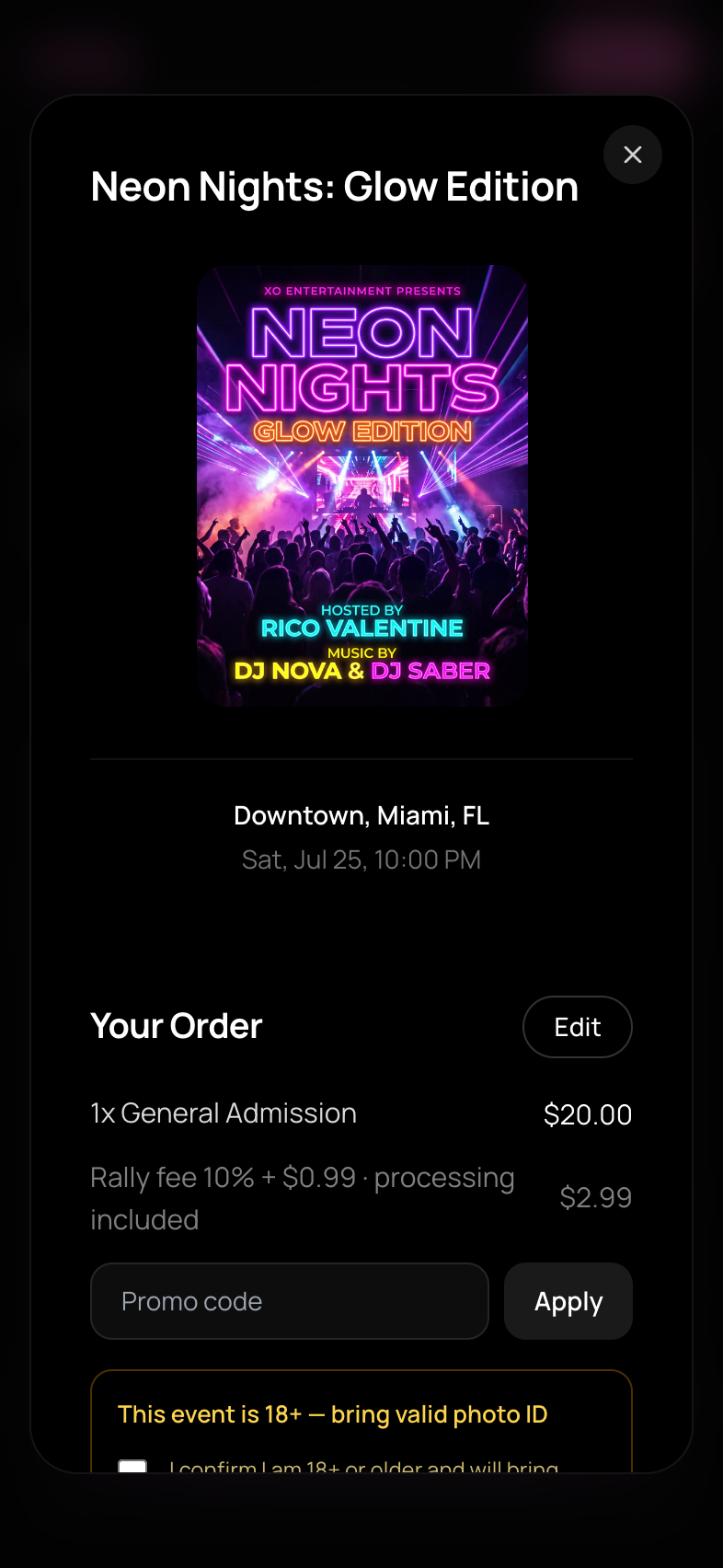
There's a discount-code field at checkout. They enter the code, the price updates on the spot, and the discount shows as its own line item.
Playbook
- •Give each promoter or partner their own code — cheap attribution even outside the promoter-link system
- •Short-lived codes ("TONIGHT20") create urgency without permanently cheapening your ticket
- •A 100%-off code is a comp ticket — handy for VIPs, media, and staff guests
Part 2: The Rewards Program
Rewards run from the Rally app — open your org's Rewards screen.
Set Your Earn Rates
Attendees automatically earn points with your org when they:
- •Spend — points per $1 spent on your tickets
- •Show up — a points bonus per check-in
Platform defaults apply until you set your own rates (points per $1 / per check-in) on the Rewards screen. Attendees always see your real rates on their side, so the math is transparent.
Create Perks
Perks are what points buy. For each perk you set a title, description, point cost, and optionally stock:
- •Checkout perks — carry a discount (% off, $ off, or a free ticket). When an attendee redeems one, they get a personal single-use RW- code to use at your checkout
- •Door perks — no discount attached; things like line skip, VIP entry, or a free drink. The attendee shows their RW- code at the door and your staff validate it in the app (door staff, event managers, admins, and owners can validate)
Deactivating a perk hides it from attendees without deleting its history.
Why Bother
- •Check-in bonuses reward the people who actually show up — your real community, not just buyers
- •Tiers (Bronze → Silver → Gold → Platinum) build status around your brand; points earned with you stay with you
- •A "free ticket at 2,000 points" perk is a cheap retention engine: it pays out roughly once per ~$400 spent at default rates
The Difference at a Glance
- •Discount code: you hand it out, anyone with the code saves, use it for acquisition
- •Reward perk: earned automatically by spending/attending, redeemed with points, use it for retention